How to Sell Digital Products on Pinterest (Beginner Strategy)
Discover how beginners can use Pinterest to drive traffic to blogs, build email lists, and sell digital products sustainably.
2/20/20262 min read
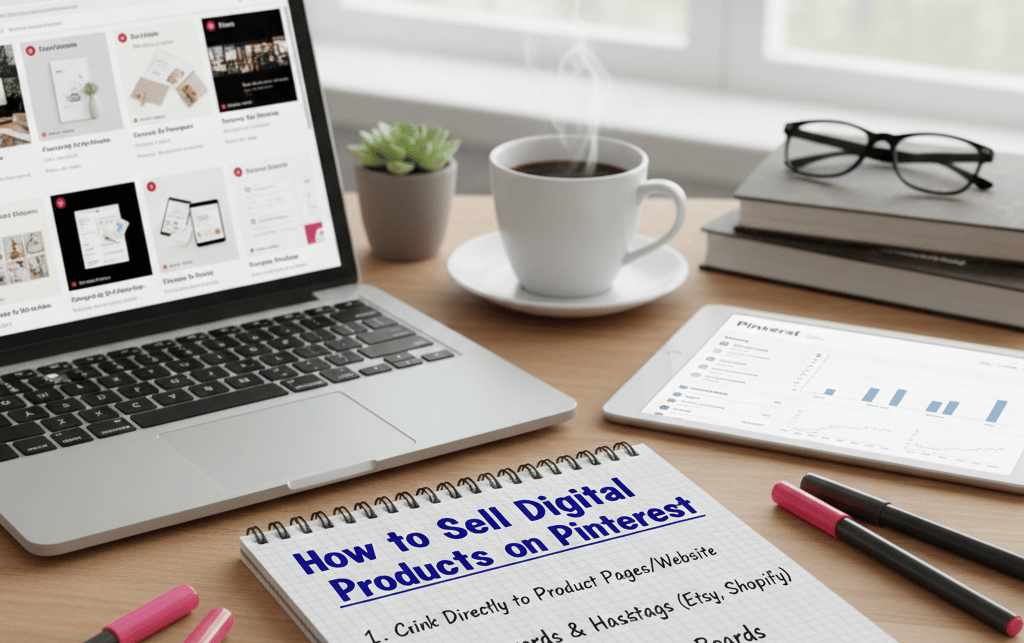
Here’s how to do it step by step.
Step 1: Start With an SEO-Friendly Blog Post
Pinterest works best when it links to helpful content.
Before creating pins, write a clear, keyword-focused blog post around topics like:
How to choose a niche for digital marketing
How to create digital products as a beginner
How to build a simple digital marketing strategy
How to set up backend systems
Your blog should:
Solve one clear beginner problem
Include natural keywords like “digital marketing for beginners” or “digital products to sell online”
Offer practical steps
Pinterest favors helpful, instructional content.
Step 2: Design 5–10 Pins for One Blog
Many beginners make the mistake of creating one pin per blog.
Instead, create multiple variations.
For one blog post, design:
3 “How to” headline pins
2 problem-focused pins
2 benefit-focused pins
2 curiosity-driven pins
Example headlines:
How to Sell Digital Products on Pinterest
Beginner Pinterest Strategy for Digital Products
How to Drive Traffic to Digital Products
Different headlines help Pinterest test which version performs best.
Step 3: Use Clear, Search-Based Titles
Pinterest is not Instagram.
Instead of vague titles like:
“Marketing Tips”
Use:
How to Sell Digital Products on Pinterest
Digital Marketing Strategy for Beginners
Beginner Guide to Digital Products
Specificity improves visibility.
Step 4: Write SEO-Optimized Pin Descriptions
Each pin should include:
Clear explanation
Beginner-focused language
A soft CTA
Example structure:
Identify the problem
Mention digital products or digital marketing for beginners
Explain what the blog helps with
Add a simple CTA
Pinterest descriptions help search ranking.
Step 5: Always Link to an Email Opt-In (Not Just a Product)
One of the biggest beginner mistakes is linking directly to a product page.
Instead:
Pinterest → Blog → Free Guide → Email List → Product
Your free guide acts as:
A trust builder
A clarity tool
A transition into your ecosystem
This creates sustainable growth rather than one-time traffic.
Step 6: Be Consistent, Not Constant
Pinterest rewards consistency over intensity.
Instead of posting 20 pins in one day, aim for:
3–5 pins per day
Or 10–15 per week
Focus on quality headlines and keyword clarity.
Over time, your pins compound.
Step 7: Track What Works (Without Overthinking It)
Look for:
Which headlines get saves
Which blog topics get clicks
Which pins lead to email signups
This helps refine your digital marketing strategy for beginners without overwhelm.
Why Pinterest Works So Well for Beginners
Pinterest supports:
Faceless digital marketing
Evergreen traffic
Blog-driven strategy
Selling digital products calmly
You don’t need:
Constant video content
Personal exposure
Complex ad funnels
You need:
Clear niche
Helpful blogs
Multiple optimized pins
Simple email flow
That’s it.
A Structured Way to Connect It All
Selling digital products on Pinterest works best when it fits inside a larger ecosystem.
The Elevated Digital Marketing Pro Beginner’s Course teaches you how to:
Choose a niche
Create your first digital product
Build content strategically
Connect Pinterest to email
Set up backend systems
Market sustainably
Everything connects logically—so you’re never guessing what comes next.
If you want to understand how all these stages work together before committing to anything, start with the Digital Marketing Ecosystem Explained free guide.
Pinterest doesn’t require perfection.
It requires clarity and repetition.
And clarity is something you can build step by step.
© 2026 Elevated Digital Marketing Pro. All rights reserved.